Guide: how to make ats friendly resume & Get Hired in 2026
You’re probably staring at a job posting, a half-finished resume, and an application form that wants a file upload before you feel ready. That’s the right moment to treat your resume like a parsing problem, not a creative writing exercise.
If you want to know how to make ats friendly resume versions that survive automated screening, build the document in stages. Pull terms from the posting. structure the file so software can read it. place keywords where they belong. write bullets that still make sense to a hiring manager. test the file before you submit it.
Table of Contents
Start by Deconstructing the Job Posting
An ATS-friendly resume starts with the posting, not with your old resume. The system is looking for alignment with the employer’s language, and your job is to make that alignment explicit.
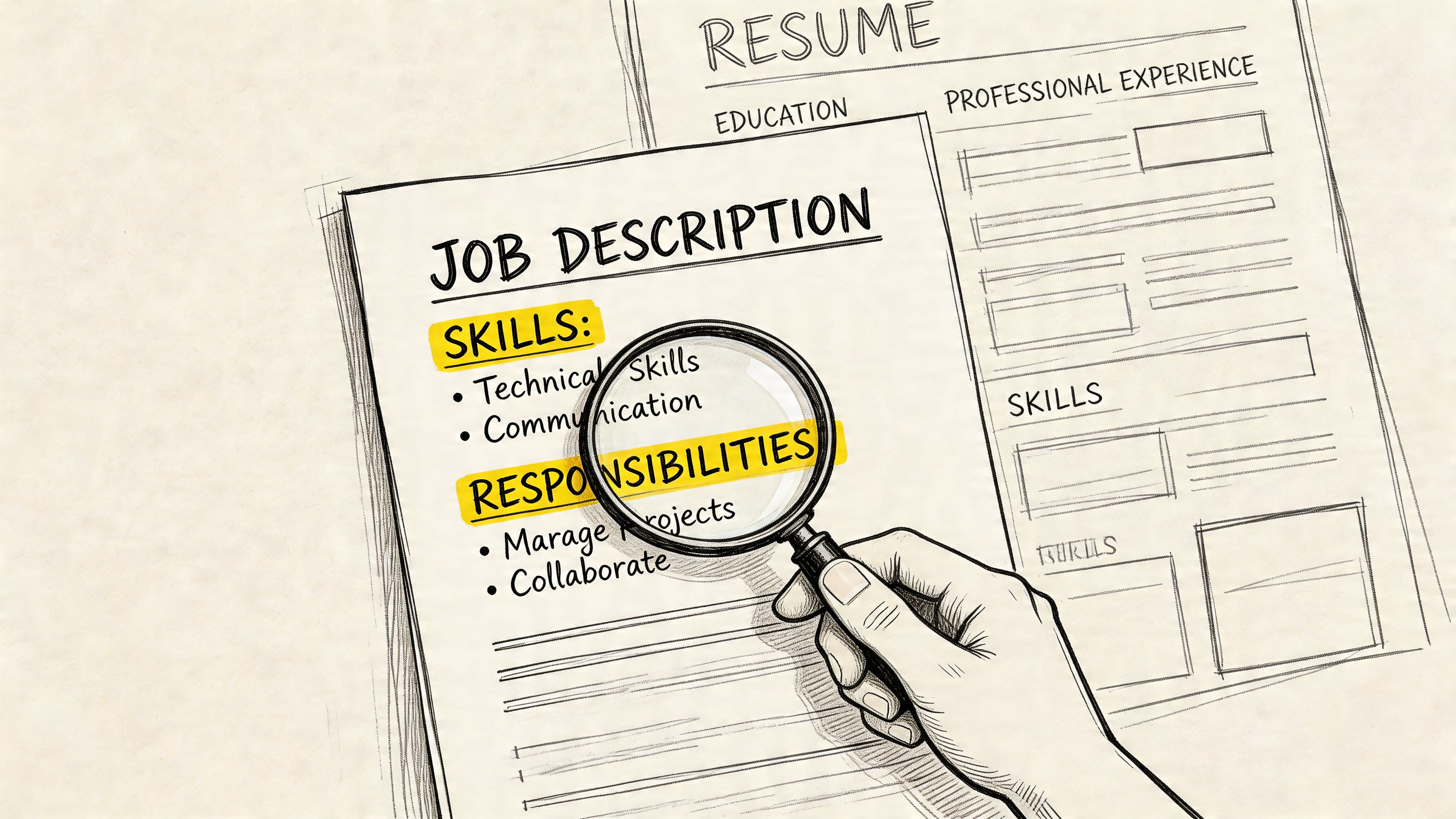
According to Explore Careers’ ATS resume guidance, the first step is to identify 15 to 25 exact phrases from the job description and prioritize terms repeated 3 or more times. That same guidance says keyword matching can determine the outcome of up to 75% of initial automated screenings.
Pull exact phrases before you write
Open the job posting and copy it into a working document. Then highlight four categories:
- Hard skills like SQL, Salesforce, Python, Excel, Figma
- Tools and platforms like Workday, Tableau, Jira, Google Analytics
- Credentials like CPA, PMP, RN, Security+
- Role language like stakeholder management, cross-functional collaboration, process improvement
Don’t paraphrase yet. Keep the wording exact.
If a posting says:
“Experience with project management, Agile methodologies, Jira, stakeholder communication, and sprint planning.”
Your keyword list should include those exact terms first:
- Project management
- Agile methodologies
- Jira
- Stakeholder communication
- Sprint planning
Not these weaker substitutes:
- Team coordination
- Agile work
- Software tracker
- Internal communication
- Planning sessions
Practical rule: ATS matching starts with the employer’s wording. Use synonyms only after you’ve covered the exact phrase.
If you’re applying to institutions with formal hiring language, this matters even more. Public-sector and multilateral roles often use very specific terminology. For that kind of application, this guide for World Bank job applicants is useful because it shows how formal hiring systems rely on tightly defined qualifications and role language.
Turn the posting into a working keyword list
Build a short worksheet with three columns.
| Exact phrase from posting | Do you actually have it | Where it belongs |
|---|---|---|
| SQL | Yes | Skills, experience bullet |
| Stakeholder communication | Yes | Summary, experience bullet |
| PMP certification | No | Omit |
| Agile methodologies | Yes | Skills, experience bullet |
That middle column matters. Don’t add terms you can’t support. ATS optimization isn’t about stuffing the file. It’s about making your real experience legible.
Use this order when sorting terms:
- Repeated required terms
- Named tools and systems
- Certifications or licenses
- Common verbs tied to the work
- Nice-to-have terms if they are a true fit
A practical way to do this at speed is to keep a master resume and then tailor each version from the posting. If you need a detailed walkthrough for that process, Resumatic has a useful article on how to tailor your resume to a job description.
Use a Simple Structure and Safe Formatting
Most ATS problems come from layout, not from qualifications. People build resumes that look polished in Canva, Adobe, or a fancy template, then wonder why the application portal mangles the content.
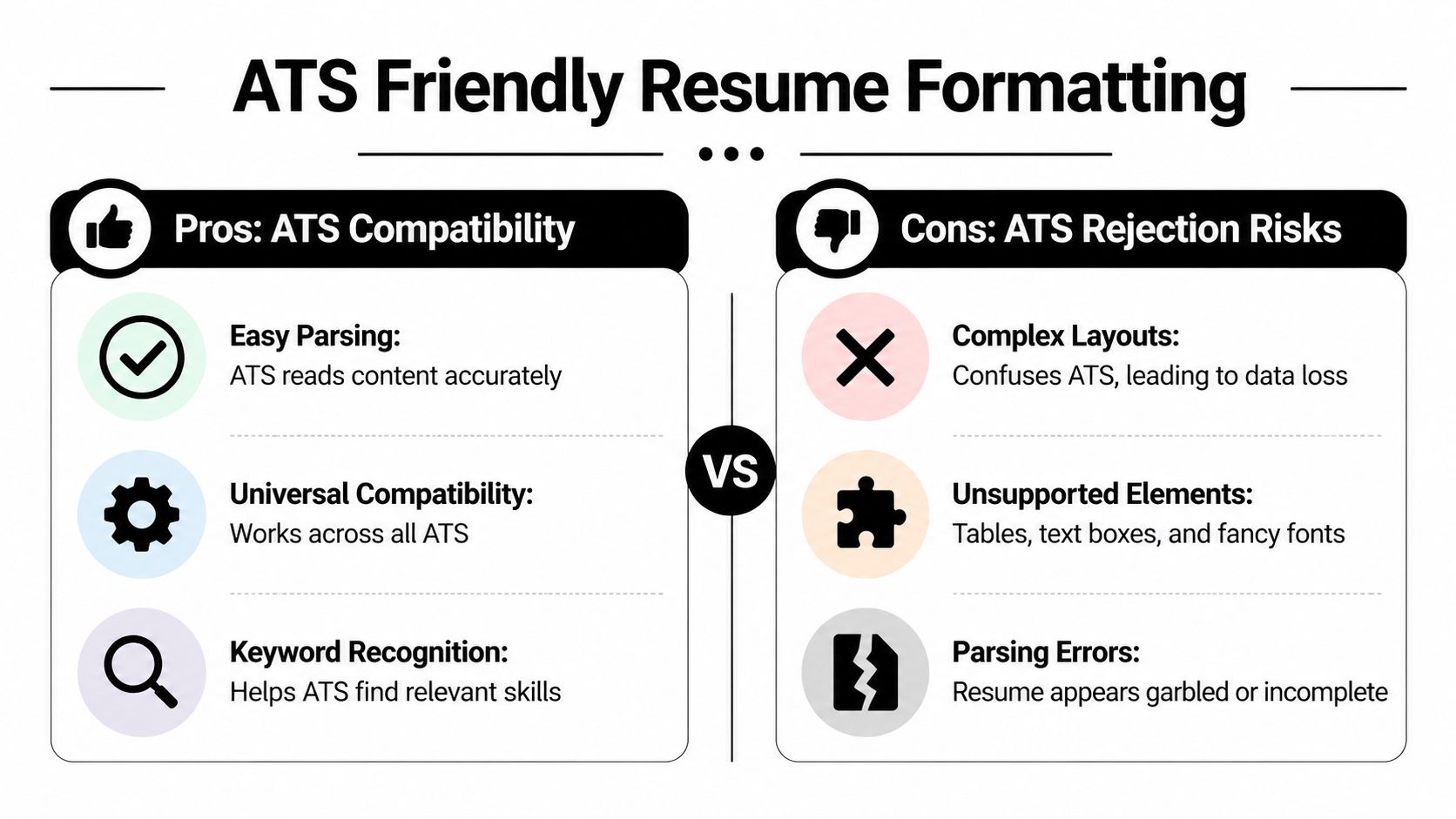
That’s predictable. MIT Career Advising and Professional Development notes that approximately 99% of Fortune 500 companies use an applicant tracking system, and up to 70% of applicants are eliminated by the ATS before a human reviewer sees the resume. These systems are designed to parse standard formats.
Build for parsing first
An ATS reads more like a document processor than a design critic. If the structure is obvious, it can usually extract job titles, dates, skills, and employers correctly. If the structure is decorative, it may scramble the order or miss fields entirely.
If you want a technical analogy, the problem is similar to automating document processing workflows. Systems work better when the input is predictable. Resumes are no different.
Use a standard reverse-chronological format with standard headings:
- Professional Summary
- Work Experience
- Skills
- Education
- Certifications if relevant
Don’t rename these to sound clever. “Where I’ve Made an Impact” is worse than “Work Experience.” “Core Strengths Snapshot” is worse than “Skills.”
Use this layout and avoid these elements
Here’s the clean version.
Do this
- Single column: Keep all text in one reading path.
- Standard fonts: Arial, Calibri, Times New Roman work well.
- Consistent date format: Use one format throughout.
- Plain section headings: Make them obvious.
- Simple bullets: Round bullets or hyphens are fine.
Not this
- Tables: They can break field order.
- Text boxes: Some systems ignore them.
- Icons: They add little and can confuse parsing.
- Headers and footers for key details: Contact information may get skipped.
- Columns: Left and right layouts often collapse into nonsense.
Use this pattern for each job entry:
Product Manager | Acme Health | Boston, MA | 06/2021 - 02/2024- Led roadmap planning for internal analytics product used by operations teams- Partnered with engineering and design on sprint planning and release coordination- Defined requirements for reporting workflows and stakeholder dashboardsA related formatting choice is resume type. If you’re unsure whether to use chronological, combination, or functional structure, review these different kinds of resumes. For ATS purposes, reverse-chronological is usually the safest default.
If a layout needs visual explanation, it’s probably too complex for an ATS.
Use a clean file name too. Something like:
Jordan-Lee-Data-Analyst-Resume.pdfNot this:
resume final newest v7 REALLY FINAL.pdfIntegrate Keywords Into Your Resume Content
Once you’ve got the keyword list and the layout, place the terms where they can do real work. Many resumes fail at this stage. People either dump terms into a bloated skills section or avoid them so completely that the resume never reflects the posting.
Place keywords where ATS expects them
Put terms in three places.
First, use a Professional Summary with a few high-value phrases from the posting.
Business analyst with experience in stakeholder communication, process improvement, SQL, and dashboard reporting. Background in cross-functional project support, requirements gathering, and data analysis.Second, create a Skills section that uses exact match language.
SkillsSQLTableauRequirements gatheringStakeholder communicationProcess improvementAgile methodologiesJiraThird, place the same language inside Work Experience bullets, where it has context.
- Gathered business requirements from operations and finance stakeholders for weekly performance reporting- Built SQL queries and Tableau dashboards to support process improvement initiatives- Coordinated sprint planning and backlog updates in Jira with cross-functional teamsThat’s better than a resume that lists the terms only once with no evidence.
If you need examples of how to present technical and soft skills without clutter, this guide on how to list skills on your resume is useful.
Rewrite bullets so they match naturally
A good keyword rewrite keeps the truth intact and improves match quality. It doesn’t turn every bullet into a word bank.
Before
- Helped with reports for management- Worked with different departments- Supported project workAfter
- Prepared weekly performance reports for senior management using Excel and SQL- Worked with cross-functional stakeholders in finance, operations, and sales to gather reporting requirements- Supported project management activities including status tracking, documentation, and meeting follow-upAnother example.
Before
- Managed website updates and marketing tasksAfter
- Managed website content updates, SEO optimization tasks, and digital campaign support using Google Analytics data to guide revisionsUse exact phrases where they fit. Then stop. If a summary, skills section, and experience bullets all reflect the posting, you’ve done enough.
A fast check is to ask whether every important term appears in one of these forms:
- Named directly in skills
- Shown in a bullet with context
- Referenced near the top in the summary
If the answer is yes, the resume is usually aligned without sounding robotic.
Write Achievement-Focused Bullets for Human Readers
Passing the ATS only gets your resume into the next pile. Then a human decides whether your experience looks useful, credible, and relevant.
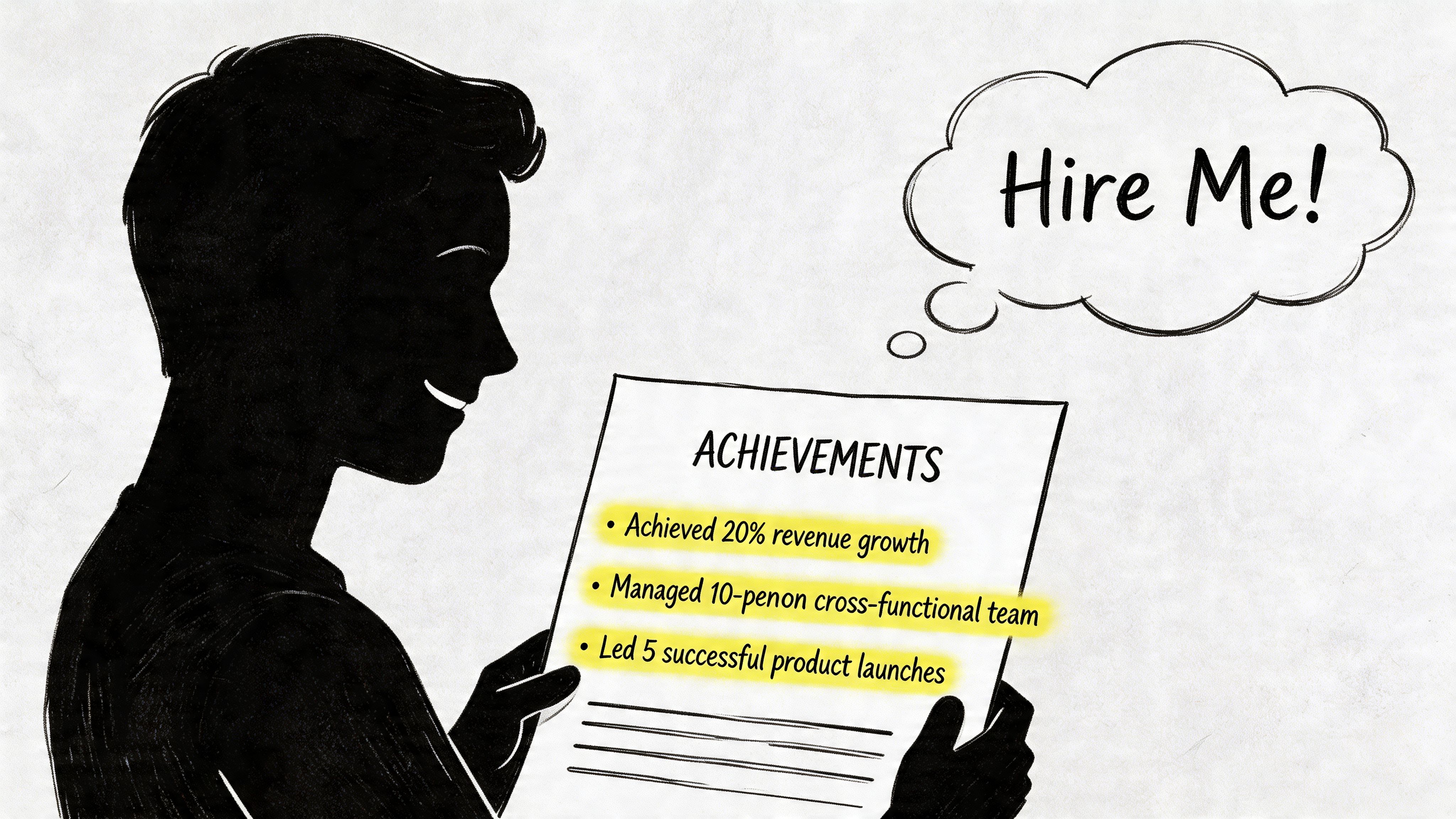
Two people can use the same keywords and get very different outcomes. The difference is usually in the bullets.
Compare duty bullets with impact bullets
Candidate A writes this:
Operations Coordinator | BrightPath Logistics- Responsible for scheduling- Responsible for reporting- Responsible for communication with teams- Responsible for tracking shipmentsCandidate B writes this:
Operations Coordinator | BrightPath Logistics- Coordinated daily shipment scheduling across regional teams and updated dispatch changes in internal tracking systems- Produced weekly operations reports for managers to flag delays, exceptions, and recurring process issues- Communicated status updates between warehouse staff, drivers, and customer service teams to keep deliveries on track- Tracked outbound shipments, investigated exceptions, and documented follow-up actions for internal reviewBoth resumes may pass a keyword screen if the posting asks for scheduling, reporting, communication, and tracking. Only one gives a hiring manager enough substance to picture the work.
The machine looks for match. The person looks for proof.
Use a simple formula for most bullets:
Action + task + context + resultIf you have a concrete result, include it. If you don’t have a clean metric, use an operational outcome:
- reduced errors
- shortened handoff time
- improved reporting accuracy
- supported faster decision-making
- resolved backlog
- clarified process
Use action verbs and proof
Avoid openers like these:
- Responsible for
- Helped with
- Worked on
- Assisted with
- In charge of
Replace them with stronger verbs:
- Built
- Led
- Coordinated
- Analyzed
- Implemented
- Improved
- Delivered
- Optimized
- Resolved
- Managed
Here’s a rewrite pattern that works well.
Weak
- Responsible for onboarding new employeesStronger
- Coordinated onboarding for new employees, prepared documentation, scheduled training, and tracked completion across hiring managersWeak
- Helped with customer issuesStronger
- Resolved customer issues through account review, order investigation, and coordination with billing and operations teamsThis short video gives a useful visual walkthrough of the difference between generic bullets and stronger resume language:
A good ATS resume still has to read like a human wrote it. The safest standard is this: if a bullet sounds natural in an interview answer, it usually belongs on the resume.
Test, Score, and Export Your Final File
Treat the final file like code before deployment. Don’t assume the resume works because it looks clean on your screen.
Run a plain text check
Save or copy the resume into plain text and read it top to bottom. If the content turns messy there, an ATS may read it the same way.
Check for these failures:
- Broken order: Job titles and employers no longer line up
- Missing data: Dates, locations, or section headings disappear
- Merged sections: Skills run into experience bullets
- Unreadable symbols: Bullets or special characters turn into clutter
If the text export looks bad, simplify the document. Remove decorative formatting. Replace unusual bullets. Eliminate text boxes and tables if you used them.
Use a score as a QA tool
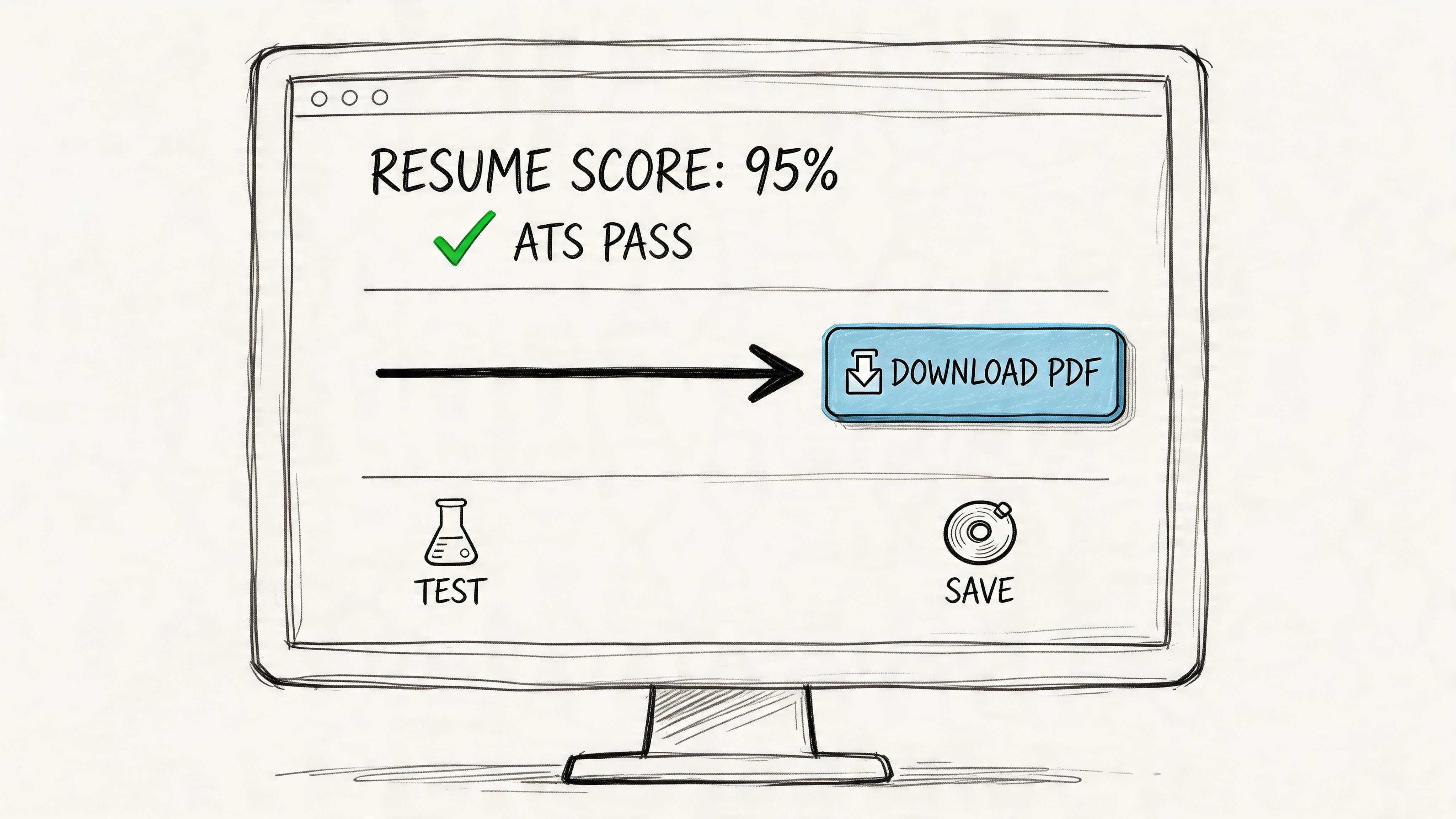
A score is useful if you treat it as a check, not as a promise. MyPerfectResume’s ATS checker guide states that a strong ATS resume score is typically 80% or higher, which indicates meaningful alignment with the job posting and improves the likelihood that the application advances.
That benchmark gives you a target. It doesn’t replace judgment.
Use an ATS checker to confirm:
- Keyword coverage: Are core terms from the posting present?
- Formatting safety: Is the file readable and logically structured?
- Role alignment: Does the content match the target job?
If you want one tool for that step, Resumatic’s ATS resume checker compares your resume against a job description and flags content, formatting, and optimization issues.
For export, a text-based PDF is usually the safest choice unless the employer specifically requests another format. The key phrase there is text-based. A scanned resume image inside a PDF is still a bad file for ATS parsing.
Export the file only after the text check passes. A pretty PDF with broken parsing is still broken.
Common ATS Resume Pitfalls and What to Do Now
Most ATS failures aren’t mysterious. They come from a short list of avoidable mistakes.
Catch these errors before you apply
Use this as a final review checklist.
- Contact details in headers or footers: Some systems don’t read those sections reliably. Put your name, phone, email, and LinkedIn in the document body at the top.
- Custom section titles: ATS software can miss nonstandard headings. Use Work Experience, Skills, Education, and similar plain labels.
- Columns and tables: These often scramble reading order. Keep one column from top to bottom.
- Graphics and images: They add design but not parseable content. Keep the resume text-based.
- Abbreviations with no spelled-out version: If the posting says “Search Engine Optimization” and your resume only says “SEO,” you may miss a match. Use both when relevant.
- Keyword dumping: A crowded summary full of terms with no context can look artificial. Put the words into bullets that prove you used them.
- Old resume reused unchanged: Even a strong baseline resume can miss the language of a specific posting if you don’t tailor it.
- Creative job titles with no clarification: If your employer used an unusual title, translate it into a standard one while staying truthful.
A strong application also extends beyond the resume. Hiring teams may review your online presence after the document passes initial screening. If you haven’t looked at that recently, this advice on cleaning up social media for a job search is worth using before active applications.
For a deeper explanation of why exact terms alone won’t save a weak resume, read Resumatic’s piece on why keywords alone won’t fix your resume and what actually works.
What to do now
- Copy one target job posting into a working document.
- Highlight 15 to 25 exact phrases and mark the ones repeated 3 or more times.
- Build a role-specific keyword list with only terms you can genuinely support.
- Rewrite your summary, skills section, and experience bullets using that language.
- Remove tables, columns, text boxes, icons, and custom headings.
- Rewrite duty-based bullets so they show actions, context, and results.
- Run a plain text test and fix any broken formatting.
- Check the resume against the posting and aim for an ATS match score of 80% or higher when using a scoring tool.
- Export a text-based PDF unless the employer asks for a different file type.
- Save the customized version with a clean file name and submit that version only.
If you want to speed up the process without skipping the technical checks, Resumatic can help you turn a job posting into a targeted, ATS-ready resume draft, then review the file for keyword alignment, formatting issues, and score-based fixes before you apply.
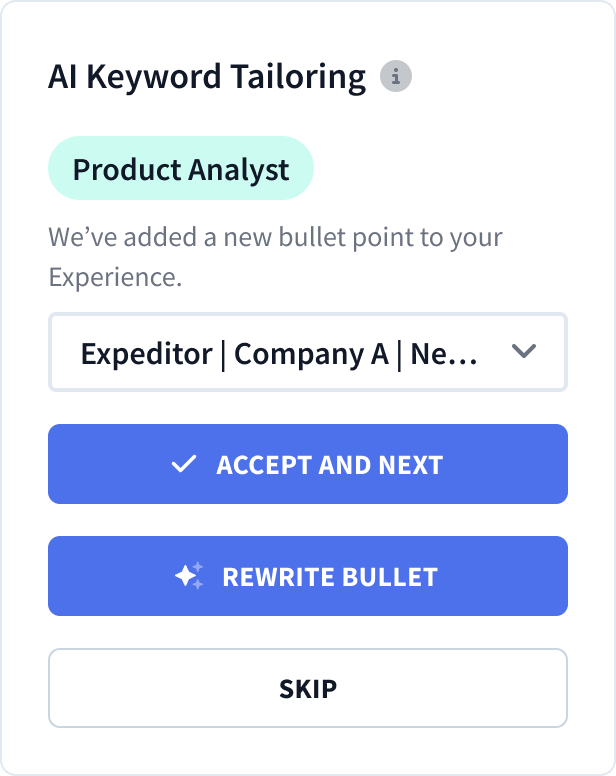
Automatic AI Resume Tailoring
Customize your resume with AI-guided precision.