Want an ATS-ready resume in minutes?
Skip the blank page. Let Resumatic’s AI turn your experience into a clean, job-specific resume that passes ATS scans and looks great to hiring managers.
Let's be honest, creating a resume from scratch is a huge pain. You're trying to perfectly summarize your entire career, make it look professional, and somehow get it past the automated systems (ATS) that guard most job applications. It’s tough, and the old way of using a simple Word document often doesn't cut it anymore. That’s where a dedicated resume builder comes in, but which one is right for you, especially when you're on a budget?
We've all been there, wondering if "free" actually means free or if there's a surprise paywall waiting right when you're ready to download. This guide cuts through the noise. We're breaking down the 12 best free resume builder options available today, so you can find the perfect tool without spending a dime. We'll look at what each platform really offers on its free plan, who it's best for, and what limitations you need to know about upfront.
This isn't just a list; it's a comprehensive comparison to help you make an informed choice. For each tool, you'll find:
No more marketing fluff, just the practical details you need to build a resume that opens doors. Beyond just choosing the right builder, understanding specific industry expectations can help your resume stand out. For instance, you can find valuable tips on writing a CNA resume that gets you hired that complement the tools we cover. Our goal is to equip you with everything needed to create a powerful, polished resume that gets you noticed. Let’s dive in and find the right builder for your job search.
Resumatic earns its top spot as the best free resume builder by offering a powerful, AI-driven suite of tools designed for modern job hunting. It intelligently integrates ChatGPT to guide you through every stage, from importing an existing resume to optimizing it for specific job descriptions. This platform excels at bridging the gap between what you want to say and what Applicant Tracking Systems (ATS) need to see.
Its standout feature is the real-time feedback loop. As you build your resume, Resumatic provides an instant 0-100 score and live content analysis, flagging areas for improvement. You can paste a job description directly into the platform, and its AI will suggest targeted keywords and phrases to help you clear the initial ATS screening and catch a recruiter’s eye. This job-specific tailoring is a significant advantage for anyone applying to multiple roles.
The free tier is generous for building and refining a core resume but limits the number of AI-powered suggestions and format downloads. For unlimited access to all features, including the cover letter builder and advanced templates, you’ll need to upgrade to the Pro plan ($29/month) or the Lifetime option ($149).
Website: https://resumatic.ai
FlowCV stands out as a top-tier free resume builder by championing a privacy-first approach and offering one of the most generous free plans available. It's the ideal choice for users who need a single, professional resume without aggressive upselling, watermarks, or feature limitations that render the free version unusable. The platform allows you to create one complete resume and download it as an ATS-friendly PDF an unlimited number of times, a key feature often locked behind a paywall elsewhere.
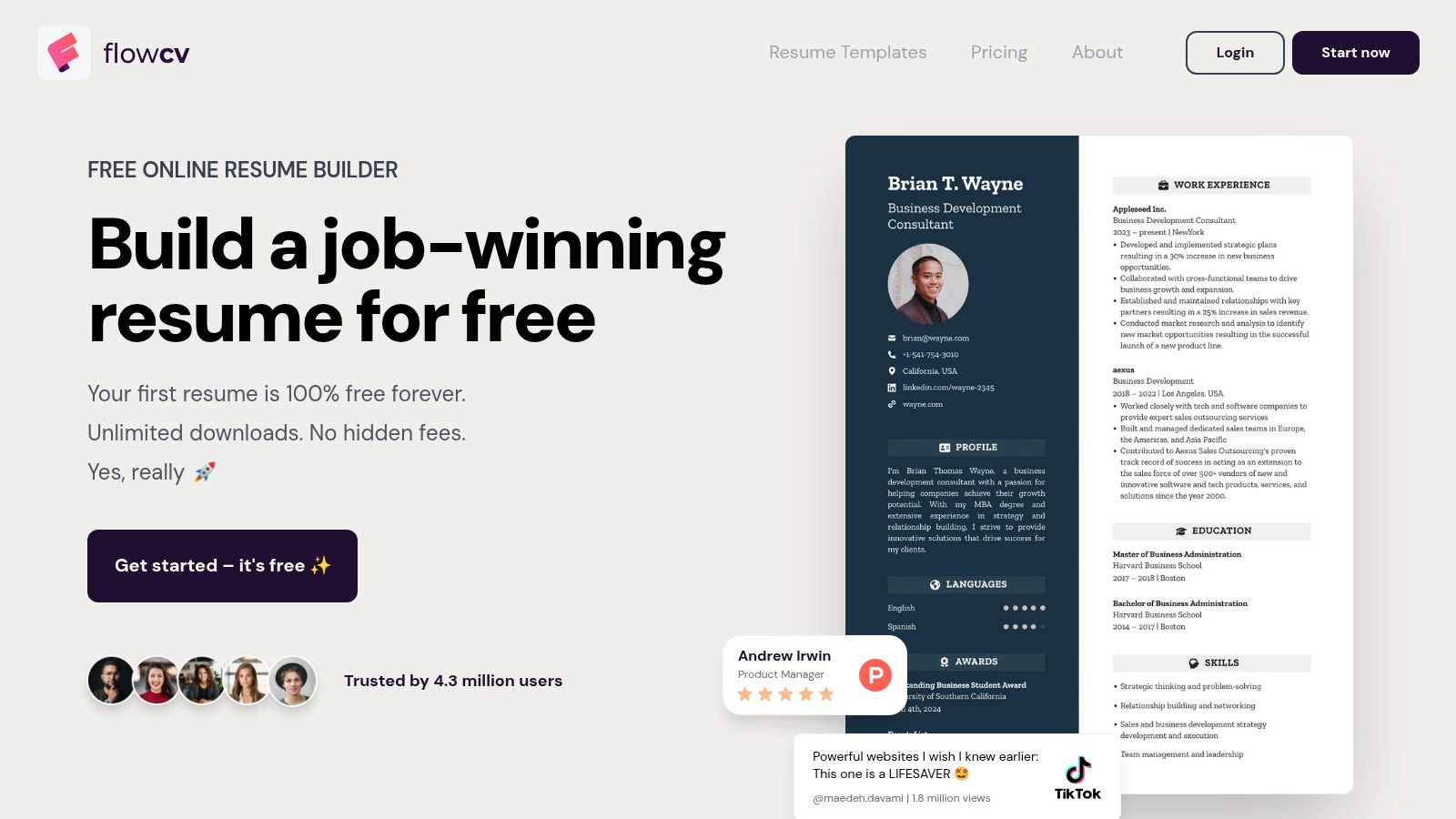
Its clean, intuitive interface makes customization straightforward, offering granular control over fonts, colors, spacing, and layout across more than 50 templates. This level of design freedom ensures your resume reflects your personal brand while remaining professional and scannable.
FlowCV excels in providing a premium experience without the premium cost.
The primary limitation of the free tier is the one-resume cap. If you're applying for diverse roles and need multiple tailored versions simultaneously, you’ll need to upgrade to their Pro plan (starting at $10/month). The AI writing assistance is also more robust in the paid version.
Ideal For: Career changers and professionals who need one master resume that they can tweak and download repeatedly without cost. Its modern, clean templates are especially well-suited for tech, data, and business roles.
Website: https://flowcv.com
Resume.com, backed by the job search giant Indeed, is a long-running, straightforward resume builder designed for speed and simplicity. It's a practical choice for job seekers who need a no-frills tool to quickly create a standard, professional resume without encountering a paywall. The platform is entirely free, allowing users to build, edit, download (as a PDF or TXT file), and print their documents without any hidden costs or feature restrictions, leveraging its direct integration with the Indeed ecosystem.
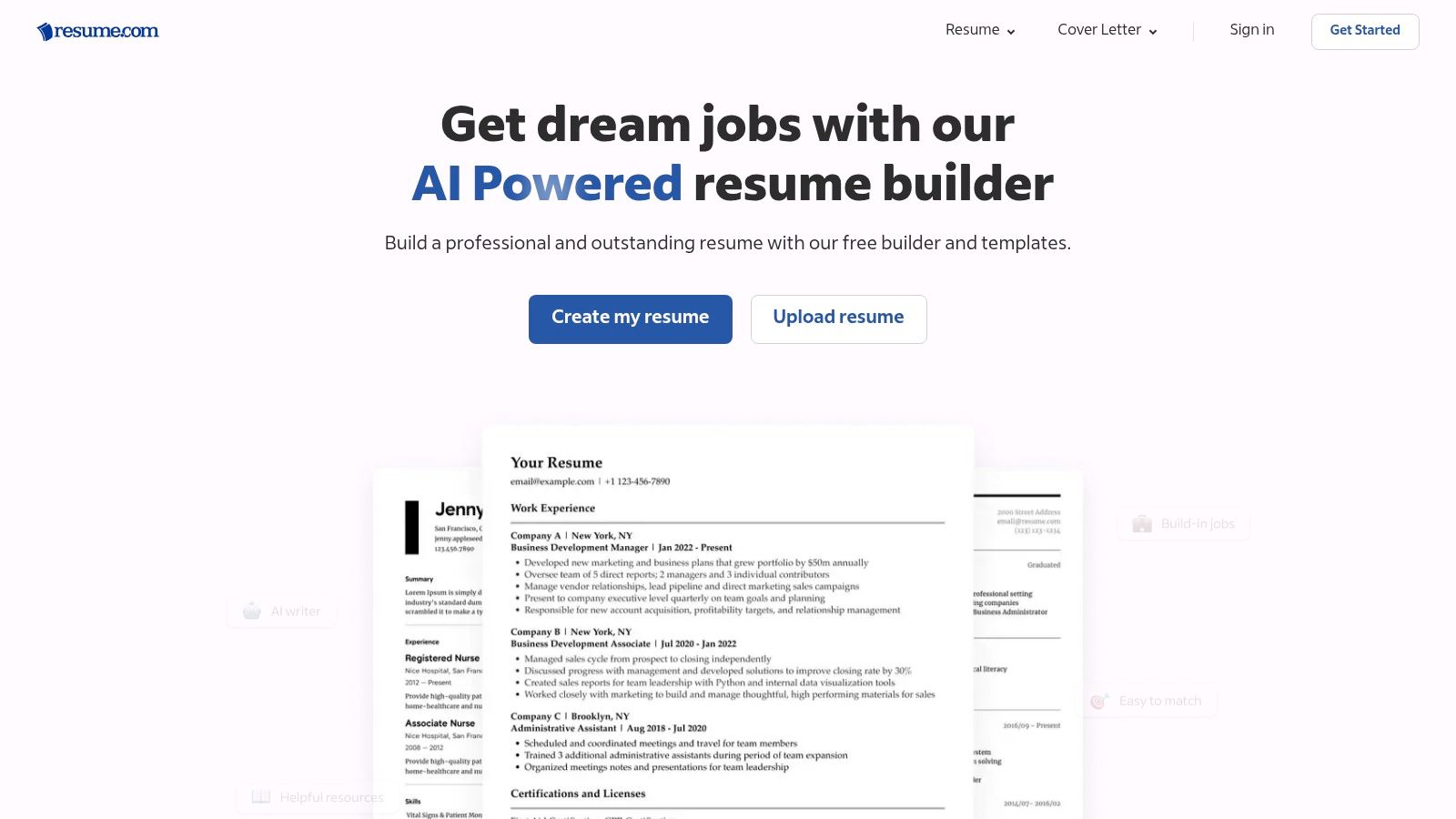
Its interface is clean and functional, guiding you through each section with helpful tips and examples. While it lacks the advanced customization of other builders, its strength lies in providing a reliable, completely free service that covers all the essential bases, including making sure your resume is an appropriate length. For more details on this, explore these guidelines on resume length.
Resume.com’s core advantage is its commitment to being a 100% free resume builder.
The primary drawback is the limited design flexibility. You won't find granular control over fonts, colors, or layouts, and the template selection is more traditional than modern. Some users also report occasional login friction or confusion due to its integration within the larger Indeed platform.
Ideal For: Entry-level job seekers, students, or anyone needing a simple, fast, and completely free tool to create a conventional, ATS-friendly resume. It's perfect for those applying heavily through Indeed.
Website: https://www.resume.com
Canva is a powerhouse in the visual design world, and its capabilities extend to creating stunning, design-forward resumes. As a free resume builder, its main strength lies in its vast library of templates and an intuitive drag-and-drop editor that gives you near-limitless creative control. It's the perfect choice for individuals in creative fields or anyone who wants their resume to make a strong visual first impression.
Unlike dedicated resume platforms, Canva prioritizes aesthetics and customization. You can choose from hundreds of free templates and easily modify colors, fonts, icons, and layouts. The platform also supports real-time collaboration, making it easy to get feedback from a mentor or peer directly on the document.
Canva makes resume design accessible and enjoyable, even for non-designers.
The biggest drawback is that heavily designed layouts with columns, tables, or graphics can be difficult for Applicant Tracking Systems (ATS) to parse correctly. Users must be mindful of this and either choose simpler templates or test their final PDF with an ATS checker. Some of the most premium templates and design elements are also locked behind a Canva Pro subscription.
Ideal For: Creatives, designers, and marketers who need a visually striking resume and are applying to roles where a portfolio or personal brand is more critical than passing an initial ATS scan.
Website: https://www.canva.com/create/resumes/
Adobe Express stands out in the crowded field of the best free resume builder options by leveraging the power of Adobe's renowned design ecosystem. It’s an excellent choice for users who prioritize creative, visually appealing templates backed by a trusted brand. The platform offers a surprisingly robust free plan, providing access to a vast library of professional templates, fonts, and royalty-free assets that can elevate a standard resume into a polished, brand-aligned document.
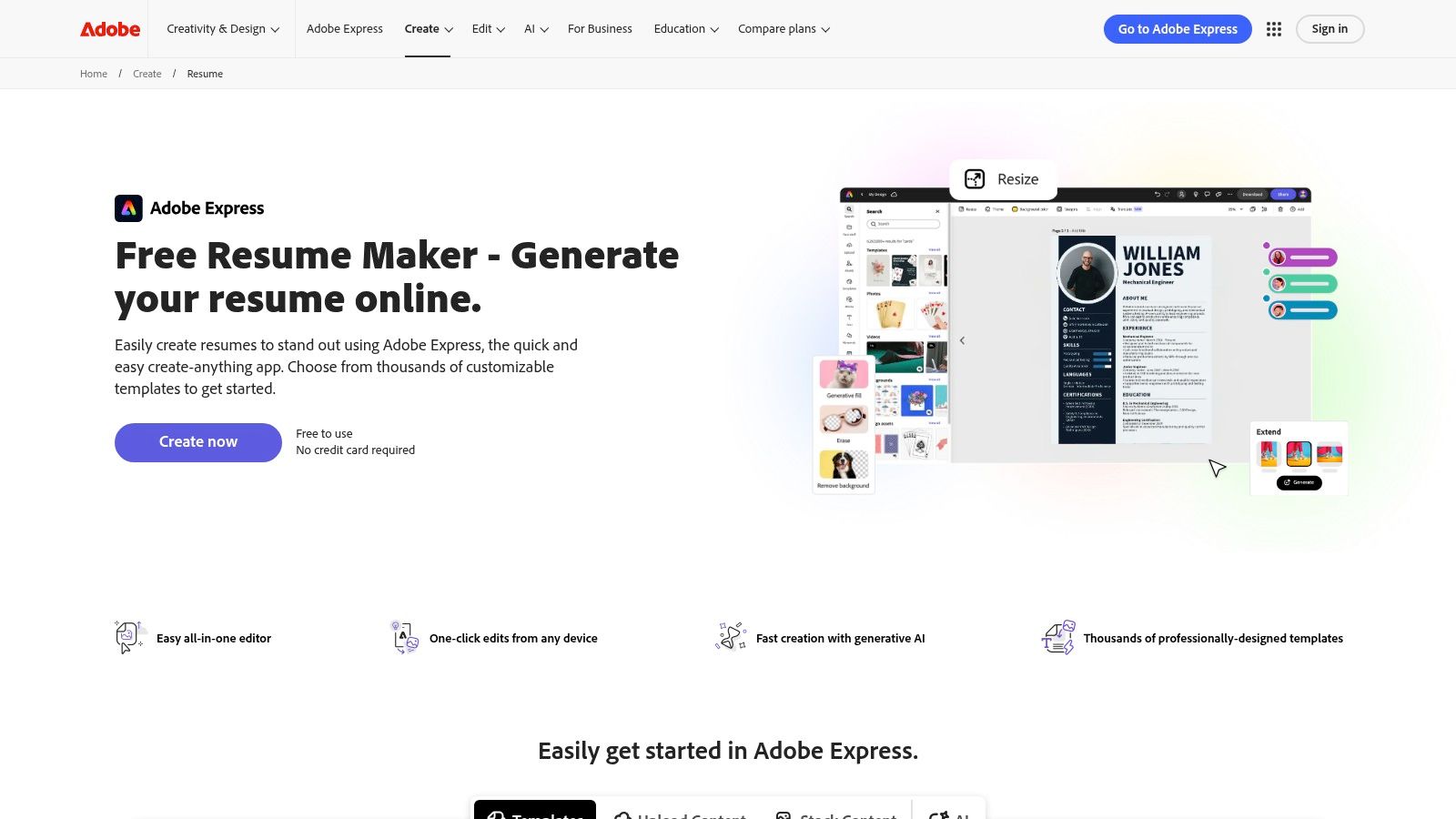
Unlike dedicated resume platforms, Adobe Express functions as a general-purpose design tool, which gives it incredible flexibility. Users can quickly create a high-quality resume and then seamlessly design matching cover letters, portfolios, or even a personal logo, ensuring consistent branding across all application materials. The interface is intuitive for anyone familiar with creative software and simple enough for beginners to master quickly.
Adobe Express excels by integrating resume creation into a broader creative suite.
The primary limitation is that it's a design tool first, not a dedicated resume builder. It lacks resume-specific guidance, such as ATS-friendliness checks or AI-powered content suggestions found in more specialized platforms. Premium templates and assets, marked with a crown icon, require a subscription.
Ideal For: Creatives, marketers, and professionals in design-centric fields who want a visually striking resume. It’s also perfect for users already familiar with the Adobe ecosystem who need a quick, polished document without a learning curve.
Website: https://www.adobe.com/express/create/resume
For those who prioritize simplicity, complete control, and zero cost, Google Docs stands as a surprisingly effective free resume builder. It's the ideal choice for users comfortable in a standard word processor who want to create a clean, professional resume without signing up for a new service. Its built-in template gallery offers a solid starting point for a document that is fundamentally ATS-friendly, easily shareable, and securely stored in the cloud.
Unlike dedicated builders, Google Docs provides a familiar editing environment where you have total manual control over every element. This straightforward approach ensures there are no hidden paywalls, and you can export your final resume to PDF or DOCX formats an unlimited number of times, making it a reliable and accessible option for any job seeker.
Google Docs excels by leveraging the power of its robust, cloud-based word processor.
The primary downside is the lack of resume-specific guidance. You won't find AI-powered content suggestions, skill-based phrase generators, or interactive prompts. The design options are also much more limited compared to specialized builders, requiring manual effort to create something visually distinct.
Ideal For: Students, new graduates, and professionals in conservative fields like academia or law who need a straightforward, no-frills resume. It's also perfect for anyone who values complete manual control over their document's formatting.
Website: https://docs.google.com
Teal's resume builder shines as a comprehensive job search tool, not just a document creator. It's built for the modern job seeker who needs to tailor their resume for multiple applications. Unlike many rivals, Teal's free plan allows for unlimited resume creation and unlimited PDF/Word downloads, making it a powerful ally for a high-volume, targeted job search without hitting a sudden paywall.
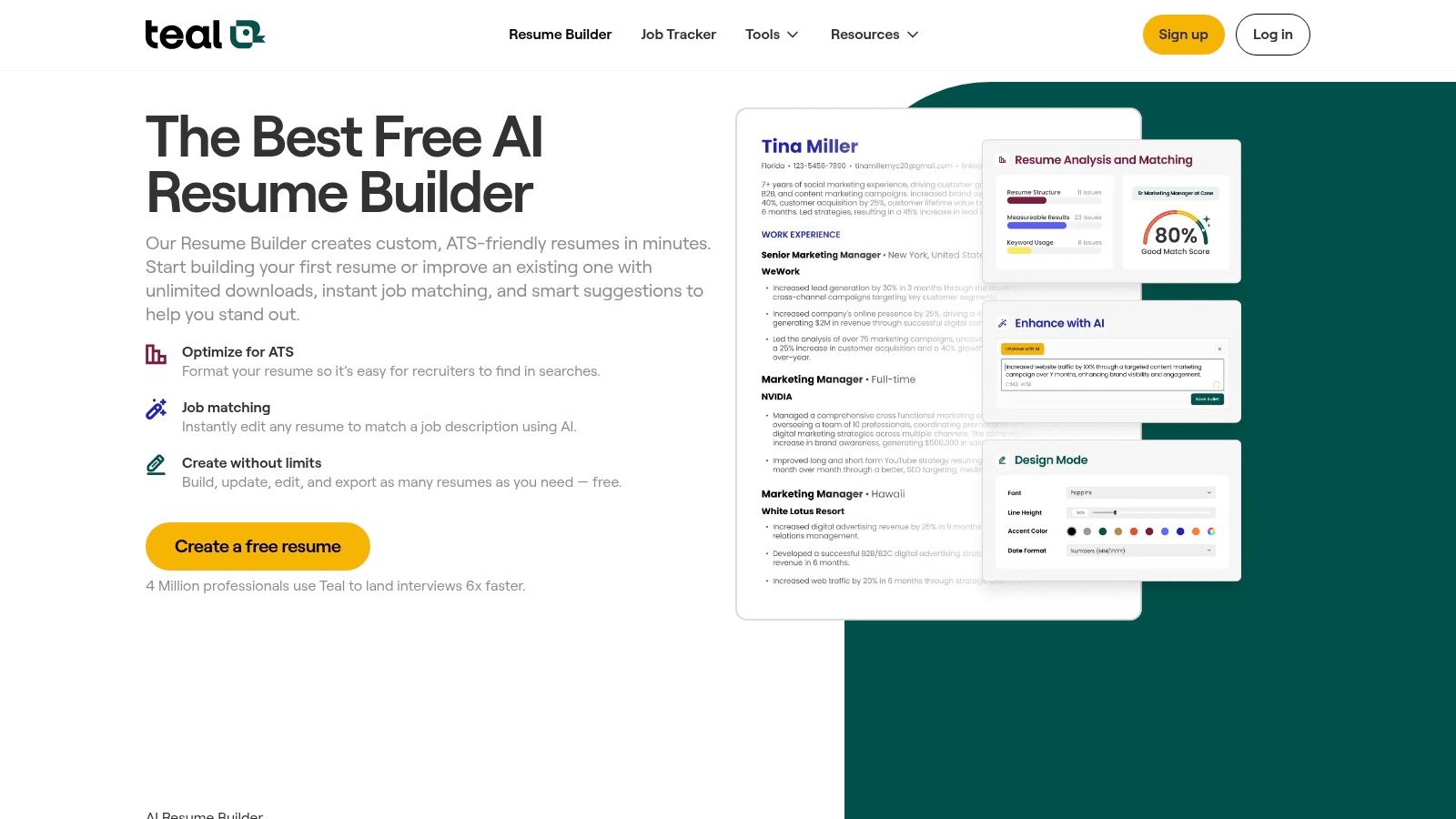
The platform’s strength lies in its integrated workflow. You can save jobs with a browser extension, analyze job descriptions for keywords, and then tailor your resume accordingly, all within one ecosystem. This makes it an exceptional free resume builder for strategic, ATS-focused applications.
Teal excels by connecting resume building directly to the application process, providing a uniquely practical experience.
While the core functionality is free, the most powerful AI features, like advanced keyword analysis and in-depth writing suggestions, are part of the paid Teal+ subscription. The design customization options are also more functional than aesthetic, so users seeking highly stylized or creative layouts might feel limited.
Ideal For: Proactive job seekers applying to many different roles. Its keyword optimization and integrated job tracker are perfect for tech, data, and marketing professionals who need to tailor applications at scale.
Website: https://www.tealhq.com/tools/resume-builder
Kickresume earns its spot by combining a sleek, modern interface with a wealth of content-creation tools, making it an excellent free resume builder for those who need a creative push. Its free plan is genuinely useful, offering access to four resume templates and four matching cover letter templates that can be downloaded as a finished PDF. The platform’s main draw is its extensive library of examples and AI-powered assistance, designed to help users overcome writer's block.
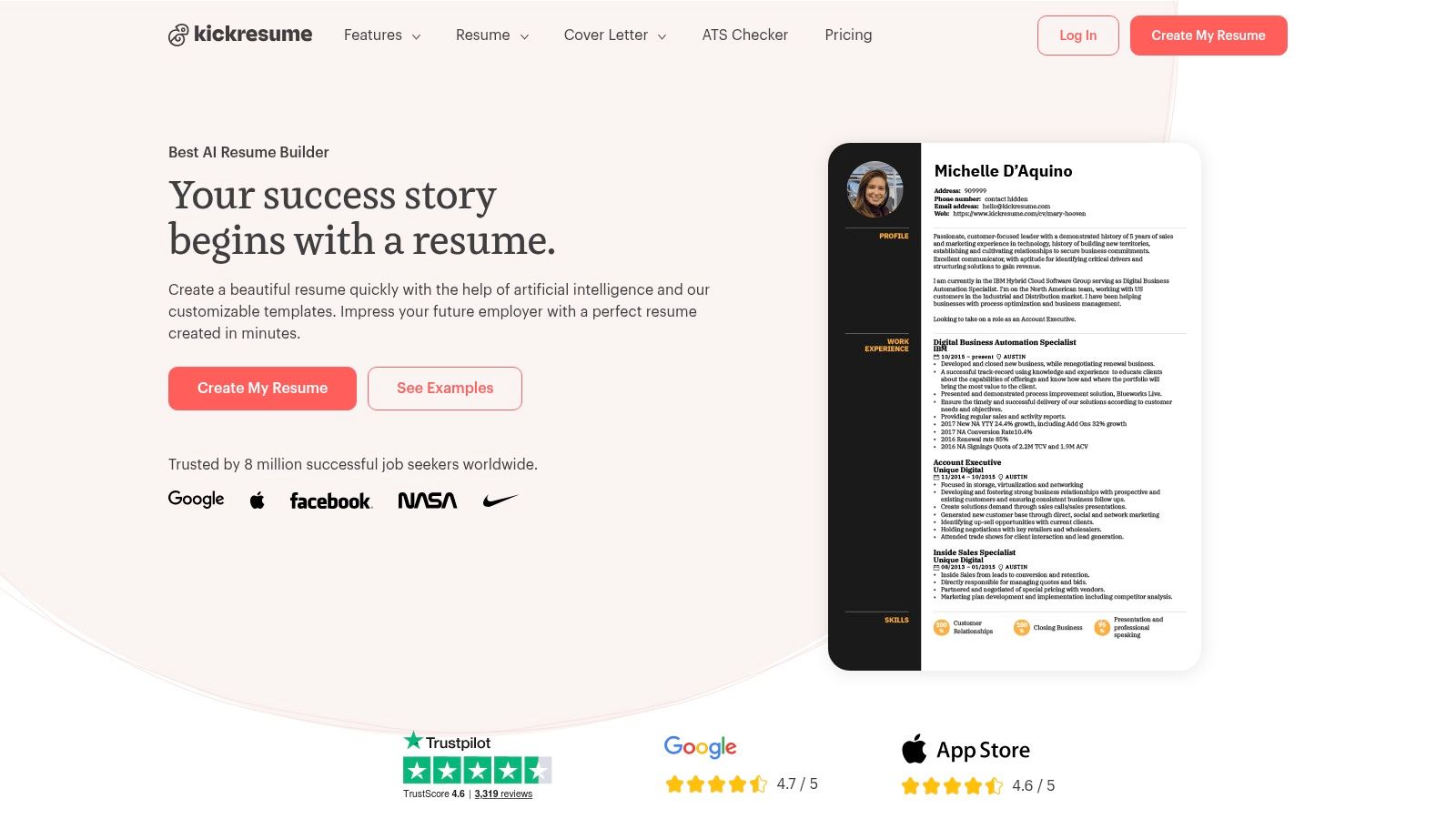
This focus on content inspiration sets it apart. Instead of just providing a blank canvas, Kickresume guides you with pre-written phrases and over 1,500 real resume samples from successful professionals, which you can browse by job title or industry. It’s a valuable resource for finding the right language to describe your own accomplishments.
Kickresume excels at making the writing process smoother and less intimidating.
The main limitation of the free plan is the restricted template selection, as most of the eye-catching designs are reserved for premium users. Customization options for fonts and colors are also limited in the free version. Upgrading to Premium (starting at $19/month) unlocks all 35+ templates and advanced AI features.
Ideal For: Students, recent graduates, or anyone who struggles with writing and needs inspiration. Its polished, creative templates are perfect for roles in marketing, design, and other creative fields where a visually appealing resume can make a difference.
Website: https://www.kickresume.com
Novorésumé is a highly respected freemium builder known for producing clean, professional documents with minimal fuss. It's an excellent choice for users who need a polished one-page resume, especially students and entry-level candidates. The platform’s free plan supports a single, one-page resume using predefined layouts that are designed to be ATS-friendly, ensuring your application gets past initial automated screenings. The guided process and layout guardrails prevent common formatting errors.
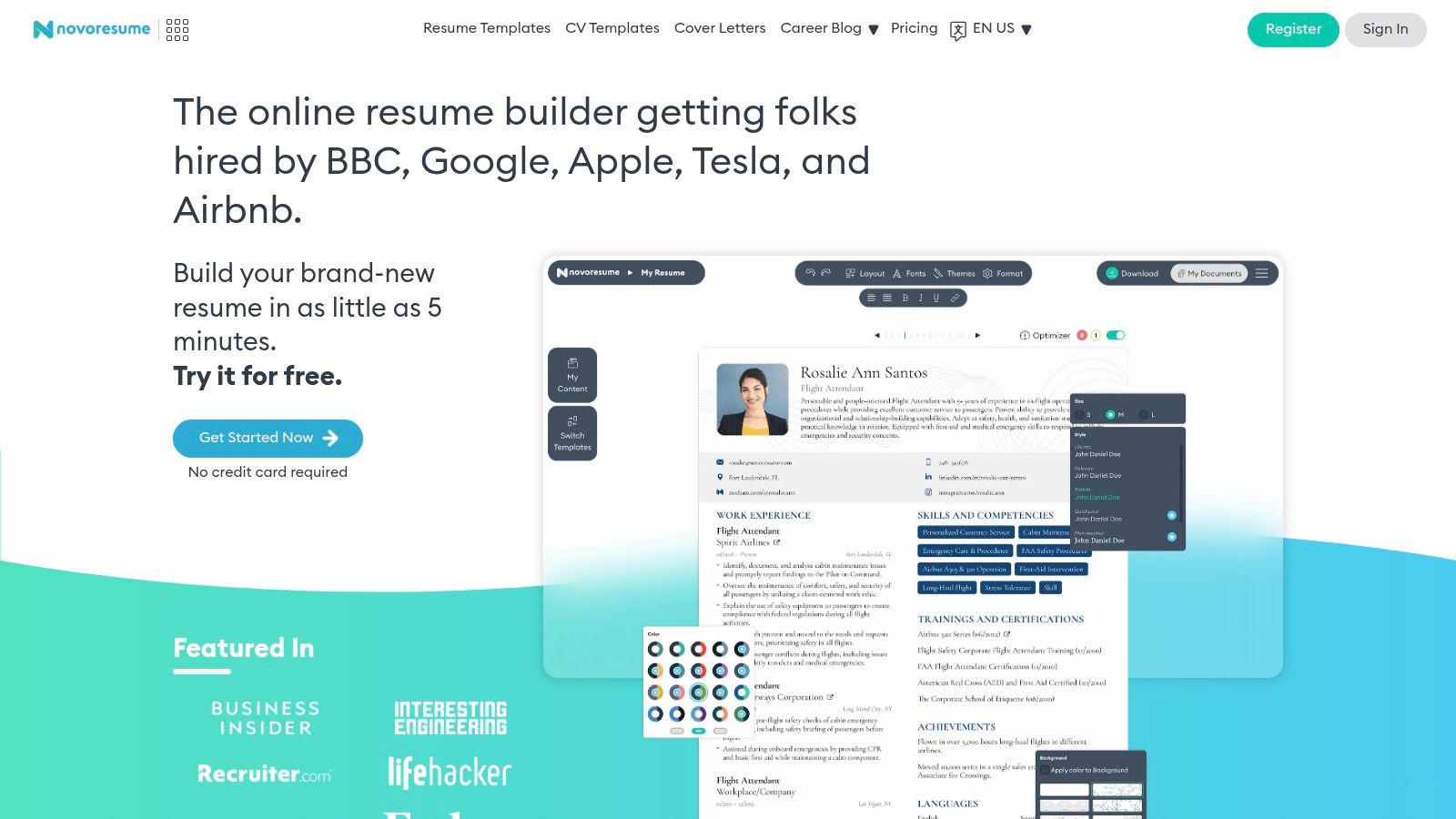
Its strength lies in simplicity and structure. By constraining certain design elements, Novorésumé guarantees that the final product is scannable, readable, and professional, making it a reliable tool for crafting a foundational resume.
Novorésumé’s platform is built to help you create a concise, impactful document without getting lost in customization options.
The free plan's primary restriction is the strict one-page limit; if your content spills onto a second page, you'll be prompted to upgrade. Many advanced sections, custom layouts, fonts, and matching cover letters are also locked behind the premium subscription (starting at $19.99/month).
Ideal For: Students, recent graduates, and professionals with limited experience who need to create a single, compact, and highly polished one-page resume. Its structured approach is perfect for building a strong first impression.
Website: https://novoresume.com
Resume.io is a highly polished resume builder known for its intuitive editor, professional templates, and helpful AI writing assistance. It operates on a freemium model, making it an excellent platform for drafting, organizing, and perfecting your resume content without any initial cost. The free plan allows you to build a complete resume and export it as a plain TXT file, which is useful for copy-pasting into online application forms.
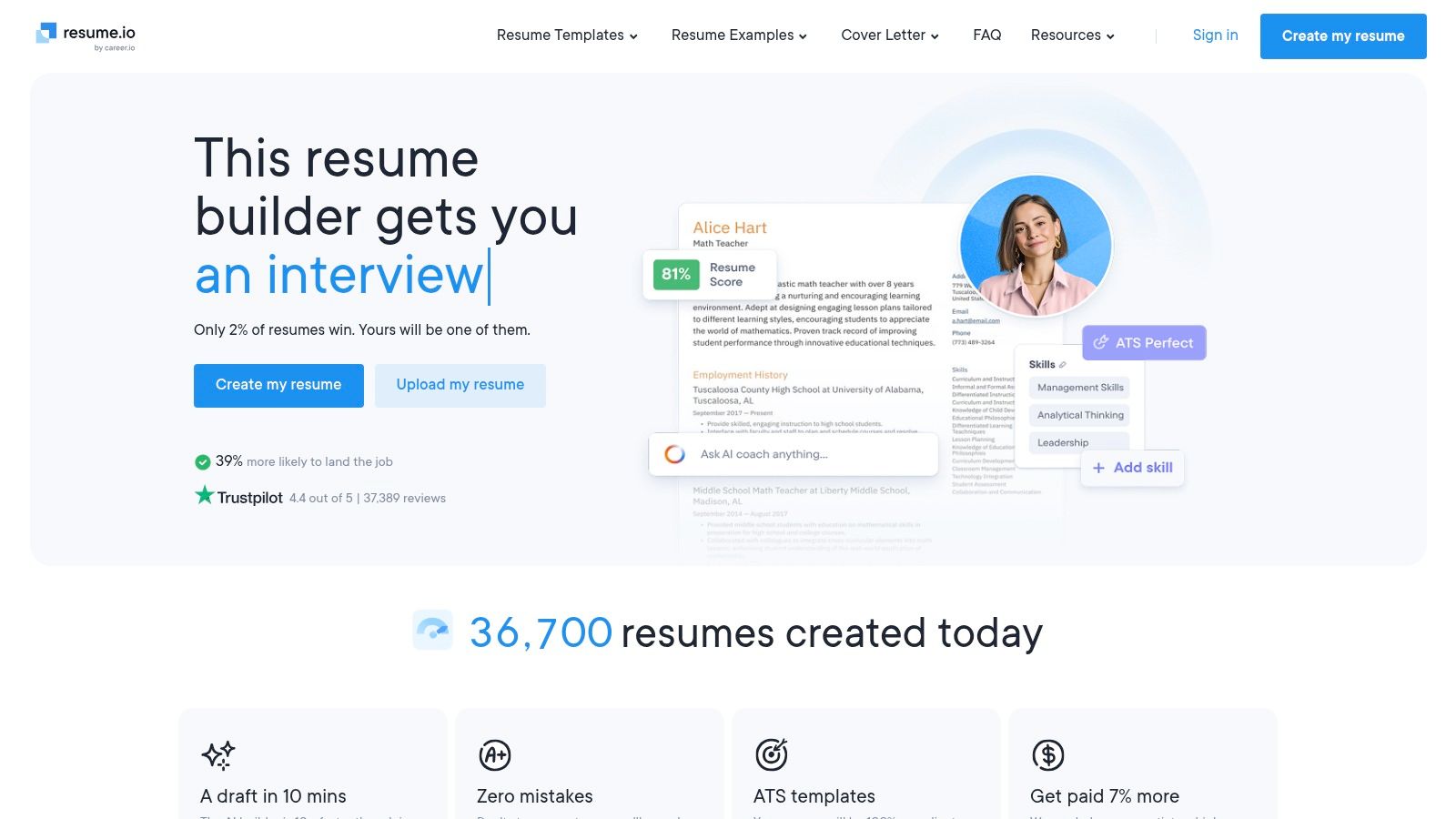
Its strength lies in the user experience; the interface is clean, guiding you through each section with AI-powered phrase suggestions and a pre-written content library. This makes it a great choice if you need inspiration or help articulating your accomplishments. You can fully design your document before deciding if you want to pay for a styled download.
Resume.io offers a premium feel, even on its free tier, with tools designed to streamline the writing process.
The main limitation is that downloading your resume as a designed PDF or Word document requires a paid subscription or a short-term trial. The trial auto-renews at the full monthly price if not canceled, which requires user diligence. This makes it less of a truly free resume builder and more of a "try-before-you-buy" platform.
Ideal For: Job seekers who want to draft and refine their resume content using a sophisticated editor and AI tools before committing to a short-term payment for a professional PDF download.
Website: https://resume.io
Enhancv is a design-focused resume builder that excels in creating visually compelling documents with recruiter-approved templates. It’s geared toward users who prioritize aesthetics and want to test-drive premium features before committing. While not a permanently free tool, it offers a 7-day free trial that provides access to its impressive template library and basic content sections, making it a solid choice for a quick, high-impact resume.
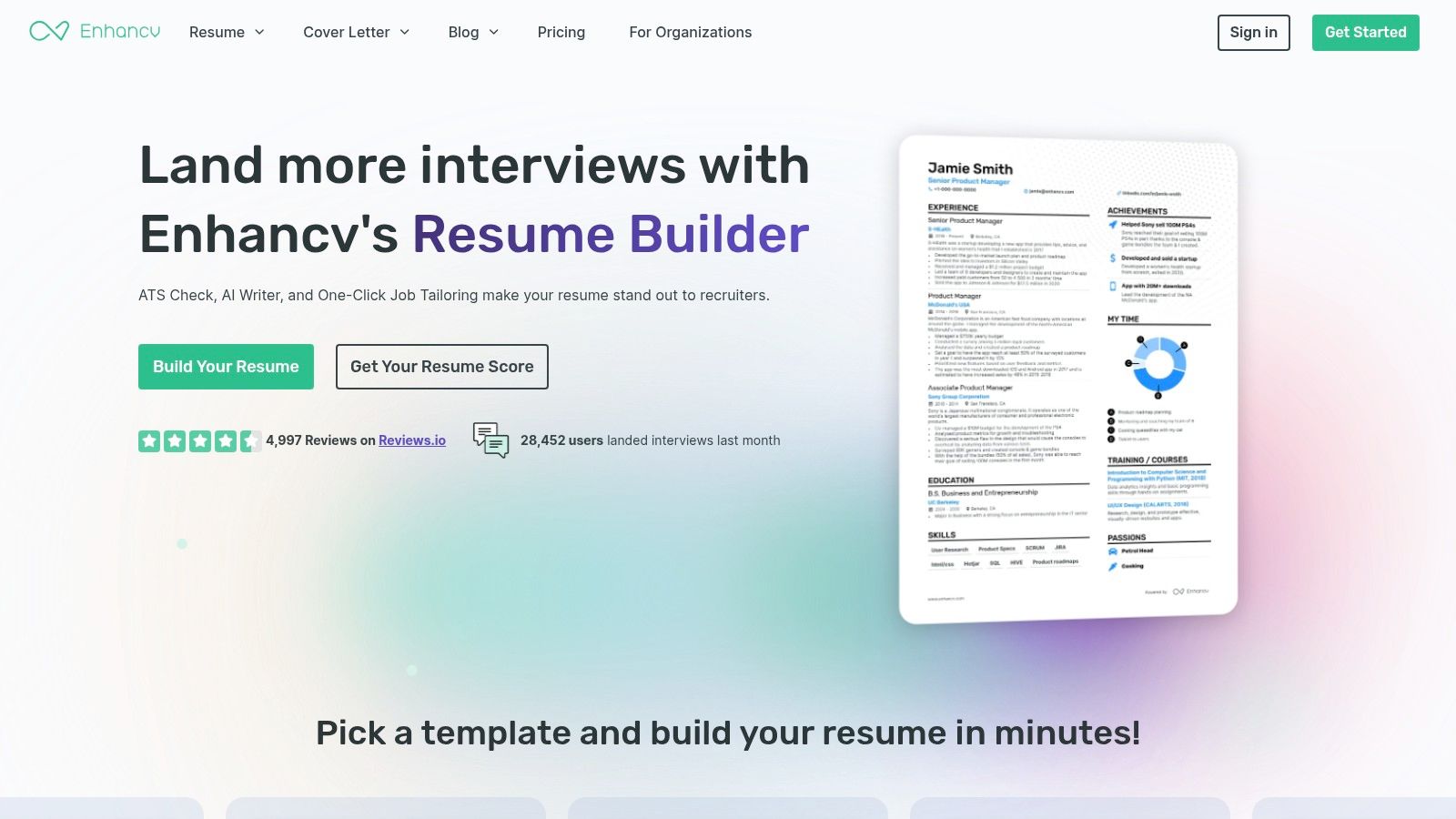
The platform is known for its polished, modern designs that are more creative than standard templates. Its drag-and-drop interface allows for easy customization of sections, giving you a high degree of control over the final look and feel of your resume while ensuring it remains professional and readable.
Enhancv’s strength lies in its balance of beautiful design and practical, job-winning content suggestions.
The primary limitation is the time-gated free access; after 7 days, you must subscribe to download your resume without branding. The most valuable tools, like the ATS check and advanced AI content analysis, are locked behind the paywall, making the free experience more of a preview than a long-term solution.
Ideal For: Creative professionals, marketers, and anyone in a design-sensitive field who wants to create a visually striking resume quickly. It’s also great for users who are willing to pay for a premium tool but want to try it thoroughly first.
Website: https://enhancv.com
Navigating the landscape of resume builders can feel as overwhelming as the job search itself. After exploring a dozen of the top free platforms, from the hyper-focused AI of Resumatic to the design-centric canvas of Canva, a clear picture emerges. There is no single, undisputed champion. Instead, the best free resume builder is the one that aligns perfectly with your specific career goals, technical comfort level, and the story you need to tell.
The journey to finding that perfect fit starts with self-assessment. Are you a career changer who needs to strategically reframe your experience? A tool like Teal, with its job description keyword analysis, might be your ideal co-pilot. Are you a recent graduate who needs a professional, ATS-friendly template without any fuss? A straightforward builder like FlowCV or Resume.com offers a clear, direct path to a polished document.
The most critical takeaway from our deep dive is that "free" comes with different definitions. Some tools, like Google Docs, are genuinely free but require more manual effort. Others operate on a freemium model, offering powerful core features for free while reserving advanced analytics or premium templates for paid users. Understanding these limitations is crucial to avoid investing hours in a platform only to hit an unexpected paywall.
Here are the most important factors to consider when you're choosing a tool:
Your resume is a living document, not a one-and-done project. Your next step shouldn't be to just pick one tool and stick with it forever. Instead, treat this as an experiment.
Ultimately, a resume builder is a tool designed to save you time and boost your confidence. It should empower you, not frustrate you. Creating a powerful resume is a foundational step, but it's part of a much larger process. For additional insights and tips on optimizing your job search beyond resume creation, you might find valuable resources in a dedicated career blog that offers more job search strategies and career advice.
The right tool will not only help you build a document; it will help you build the confidence to pursue the opportunities you deserve. Choose the builder that makes you feel prepared and professional, and you'll be one step closer to landing your next great role.
Ready to move from building a resume to building a career strategy? Resumatic goes beyond basic templates, offering an AI-powered platform designed to help you craft, tailor, and track your applications with precision. Experience the difference an intelligent, ATS-optimized builder can make by trying Resumatic today.
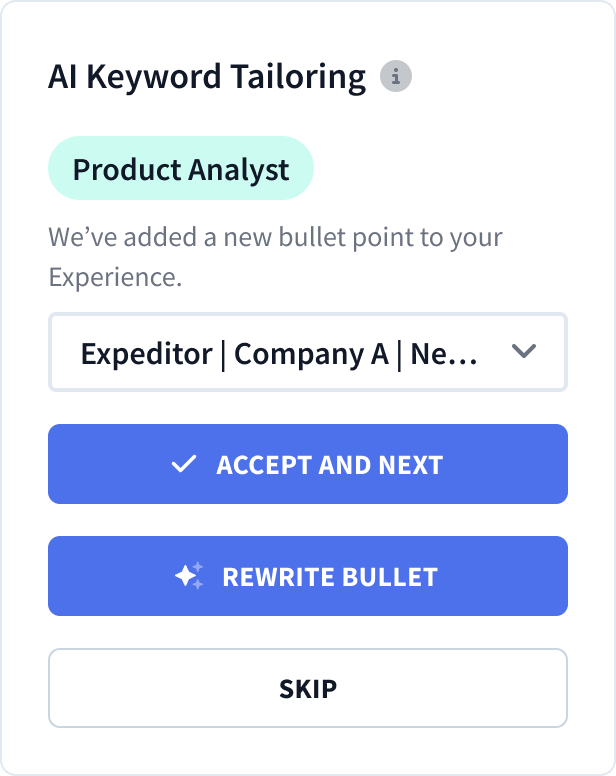
Customize your resume with AI-guided precision.